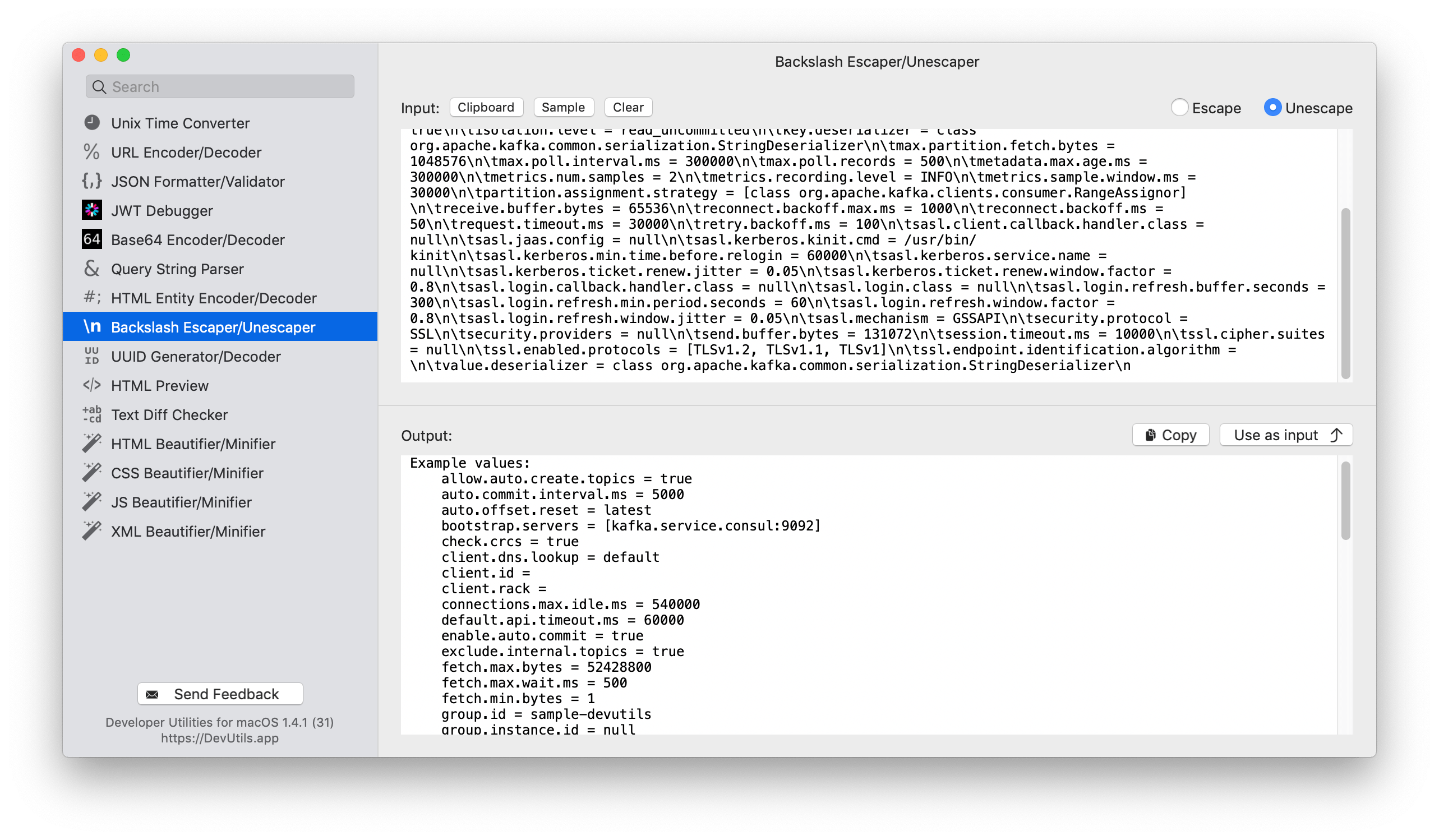
Escape or unescape special characters in your string without online tools. DevUtils.app allows you to quickly escape or unescape special characters (like \n, \t...) without any internet connection. You can use this to quickly unescape an escaped string from your application logs.
You can escape/unescape a HTML entities string from anywhere in your macOS (terminal, in email, web browser,...). Activate the app by:
Enter your string in the input textbox. If you already have the string in your clipboard, just click the "Clipboard" button, and the tool will use the content in your clipboard as input.
The escaped/unescaped string will be displayed in the bottom text view. Click "Copy" to copy the output string to your clipboard.
Select the "Escape" or "Unescape" in the top right corner of the tool to use the desired operation.