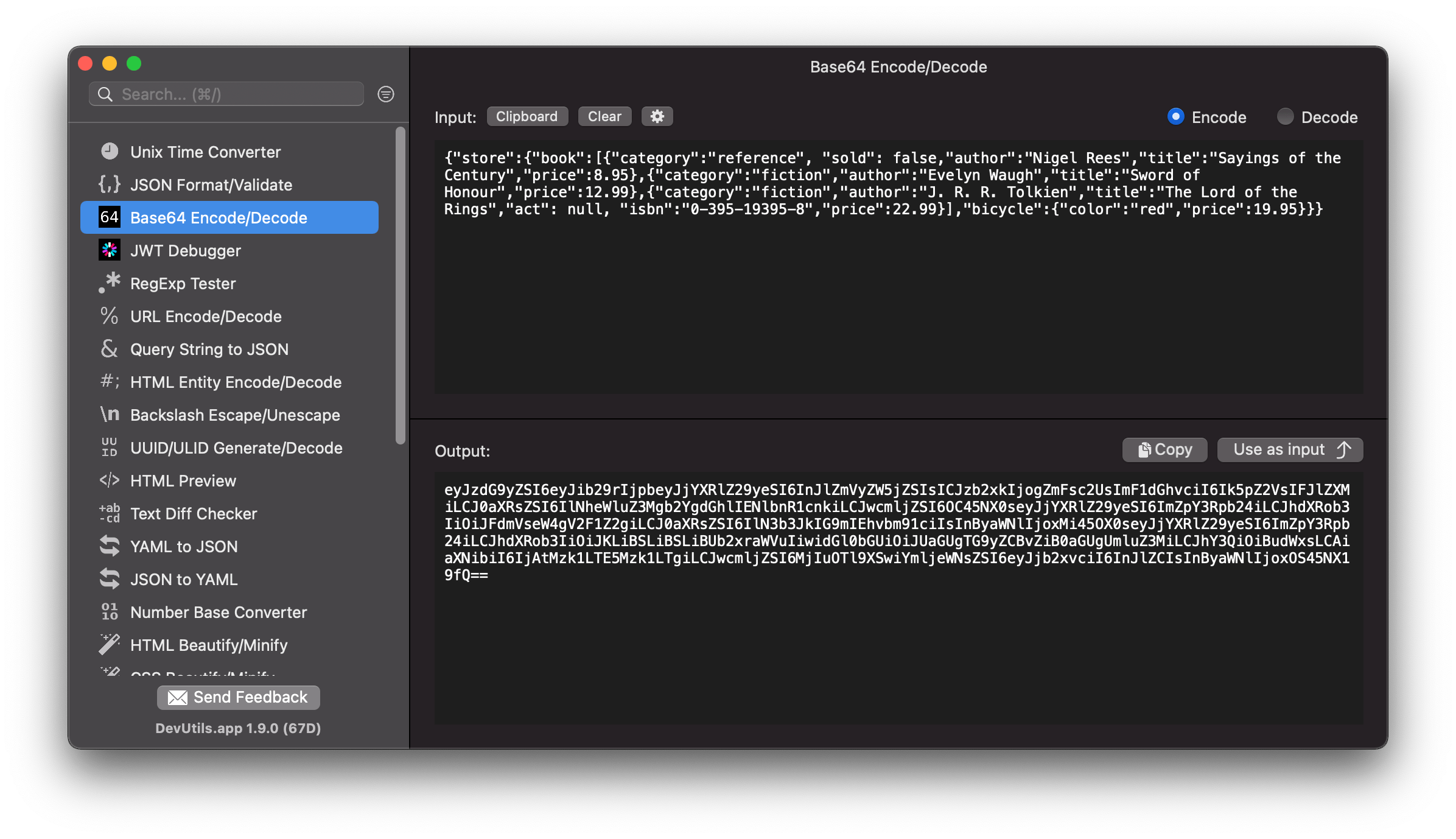
Encode and decode a Base64 string without online tools. DevUtils.app allows you to quickly encode and decode Base64 string without any internet connection.
You can decode a Base64 string from anywhere in your macOS (terminal, in email, web browser,...).DevUtils will inspect your clipboard content and automatically select the Base64 Encoder/Decoder tool if the content is a Base64 string. Activate the app by:
Enter your string in the input textbox, select Encode or Decode based on your need.
The encoded/decoded string will be displayed in the bottom text view. Click "Copy" to copy the output string to your clipboard.
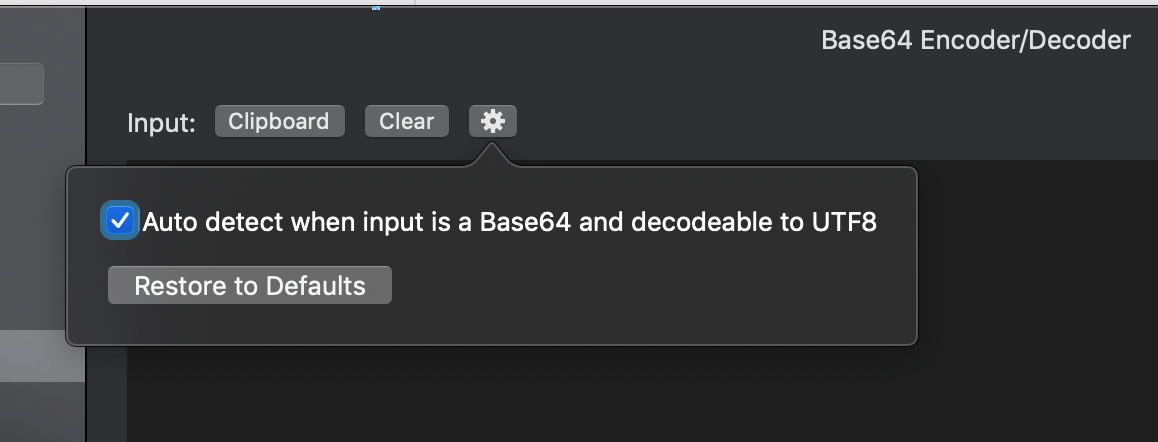
When you activate the app, DevUtils will inspect your clipboard content and automatically select the Base64 Encoder/Decoder tool if the content is a Base64 string. You can disable this automatic feature by unticking the option in the setting panel (the gear icon).
Also available on base64decode.app