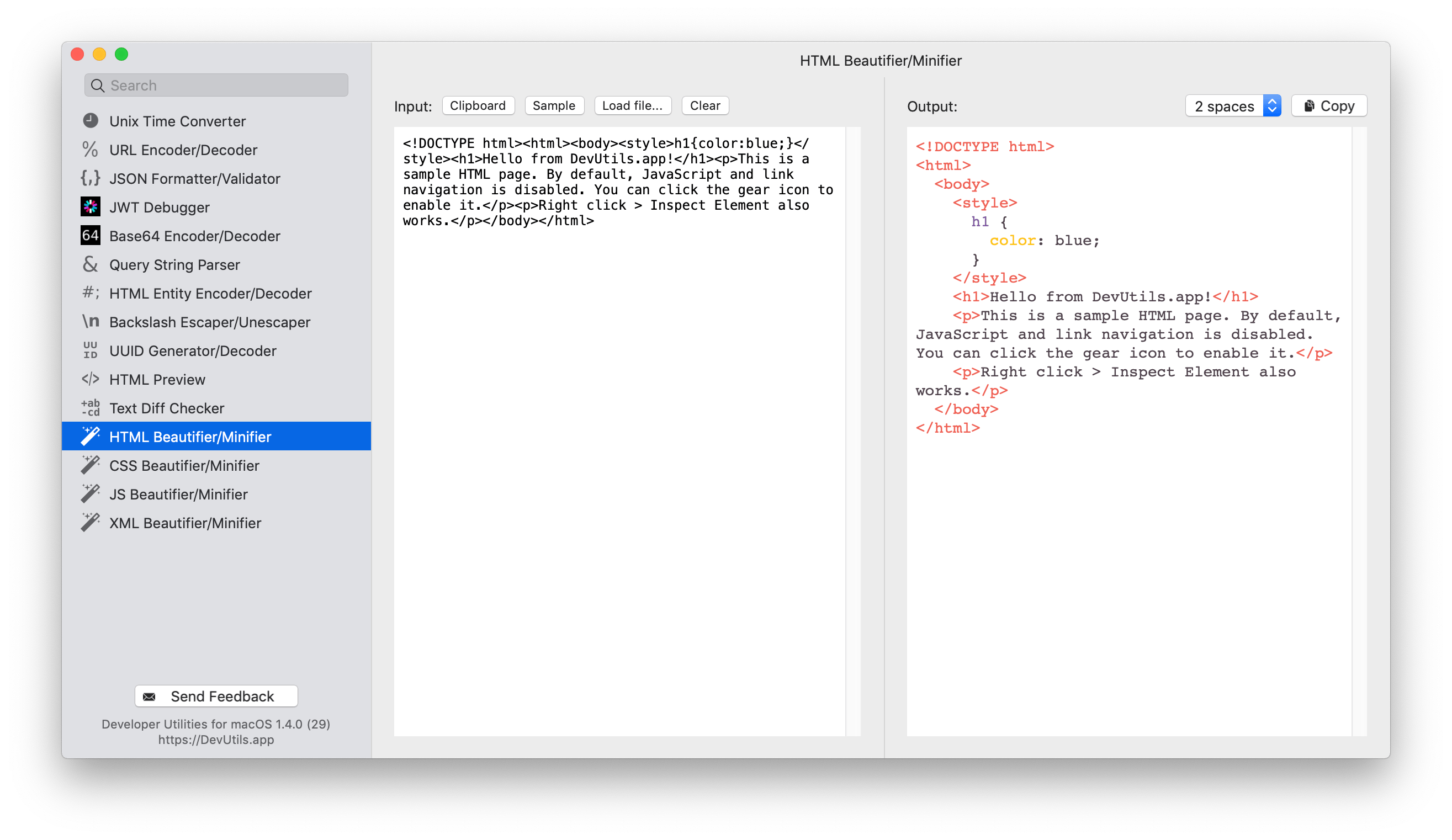
Beautify or minify your HTML source without online tools. DevUtils.app allows you to quickly format, beautify or minify an HTML source code without any internet connection. It works with incomplete HTML, supports embedded JS/CSS, and also syntax highlight the source code.
You can start to format, beautify or minify an HTML source from anywhere in your macOS (terminal, in email, web browser,...). Activate the app by:
Enter your HTML source in the left input textbox. You can also use the content of your clipboard as input, or load the HTML from a file in your computer.
The tool will render the formatted source in the right text box. You can click "Copy" to copy the formatted source into your clipboard. The formatted source is also syntax highlighted.
Select the format you want in the select box in the top right corner. The currently supported formats are:
Also available on htmlbeautifier.app