Preview an HTML string without online tools. DevUtils.app allows you to quickly preview an HTML string without any internet connection. It supports JavaScript, CSS and renders the page in a native macOS WebView.
You can encode a UUID from anywhere in your macOS (terminal, in email, web browser,...). Activate the app by:
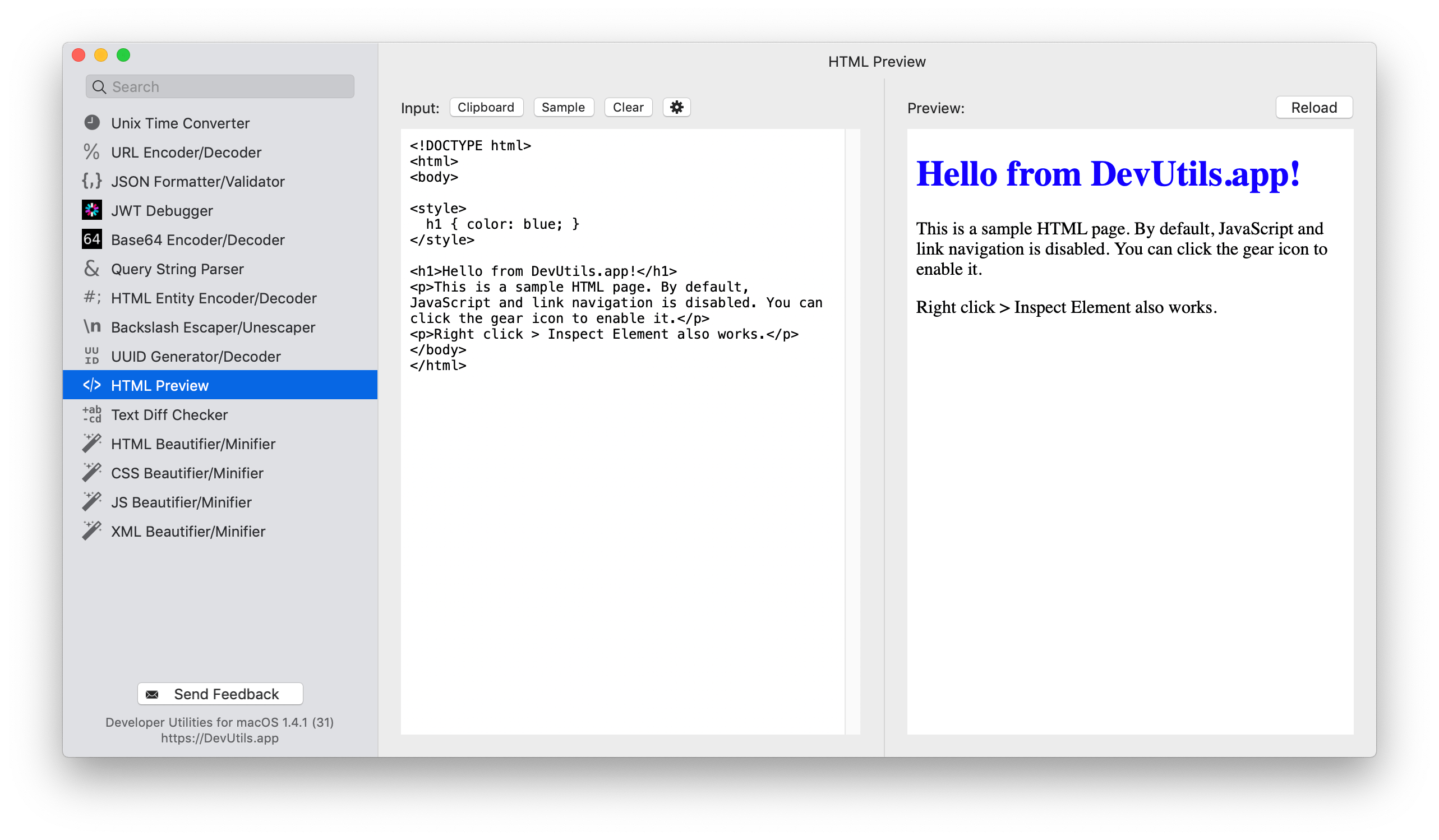
Enter your HTML string in the input textbox. If you already have the string in your clipboard, just click the "Clipboard" button, and the tool will use the content in your clipboard as input.
The tool will render your HTML using a native macOS WebView in the right panel.
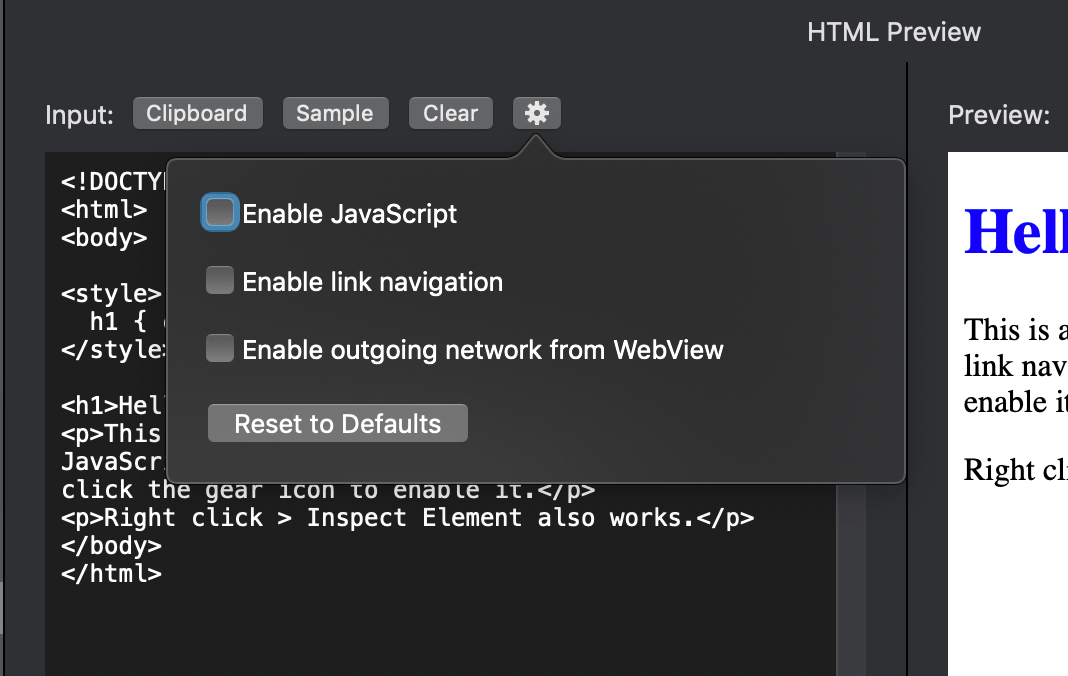
By default, the following rules applied to the WebView:
You can change all of these settings using the gear icon in the tool.