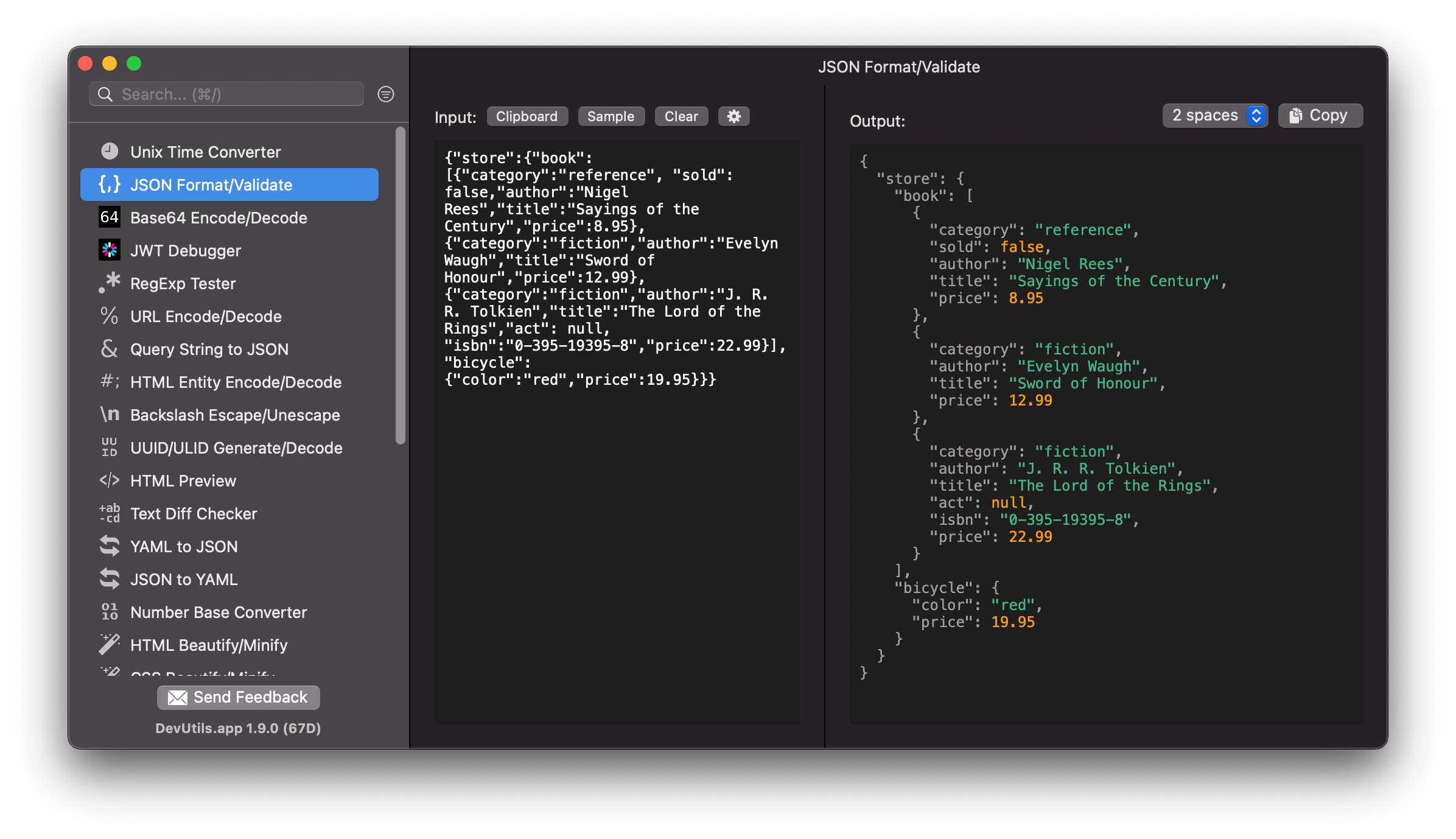
Format and validate a JSON string without online tools. DevUtils.app allows you to quickly format and validate a JSON string without any internet connection. It supports various formats (2 spaces, 4 spaces, tabs) and can also minify your JSON if needed.
You can format your JSON strings from anywhere in your macOS (terminal, in email, web browser,...).
DevUtils will inspect your clipboard content and automatically select the JSON Formatter/Validator tool if the content is a valid JSON. Activate the app by:
Enter your JSON string in the left panel of the tool. The formatted JSON will be rendered in the right panel.
If you already have the JSON string in your clipboard, click the "Clipboard" button will automatically use the clipboard's content.
Select the format you want in the select box in the top right corner. The currently supported formats are:
The formatted JSON string will be rendered and highlighted in the right panel.
If your JSON string has syntax errors, the errors will be highlighted in red background and listed at the bottom of the screen.
Click each error line to highlight the syntax error from your input.