(Renamed to "URL Parser")
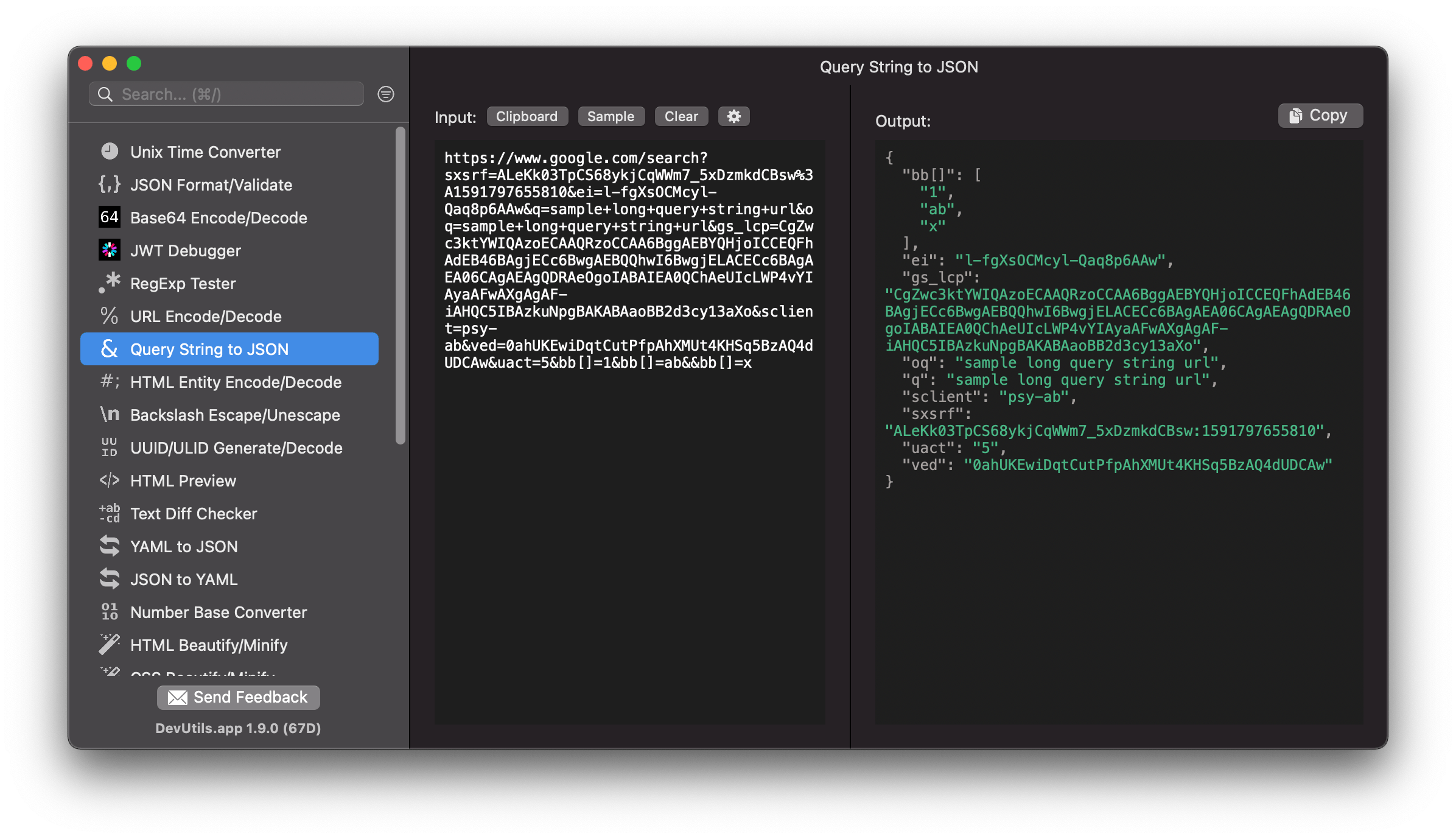
Parse a query string in your URL without online tools. DevUtils.app allows you to quickly parse a query string to a JSON object without any internet connection. It supports array parameters in the query string and outputs the parsed value as JSON.
You can parse a query string from anywhere in your macOS (terminal, in email, web browser,...).DevUtils will inspect your clipboard content and automatically select the Query String Parser tool if the content is a query string (identify by having at least two query string variables in the string). Activate the app by:
Enter your string in the input textbox. If you already have the string in your clipboard, just click the "Clipboard" button, and the tool will use the content in your clipboard as input.
The parsed string will be displayed in the bottom text view. Click "Copy" to copy the output string to your clipboard.
If your query string has multiple variables with the same name, the tool will parse it as a JSON array.
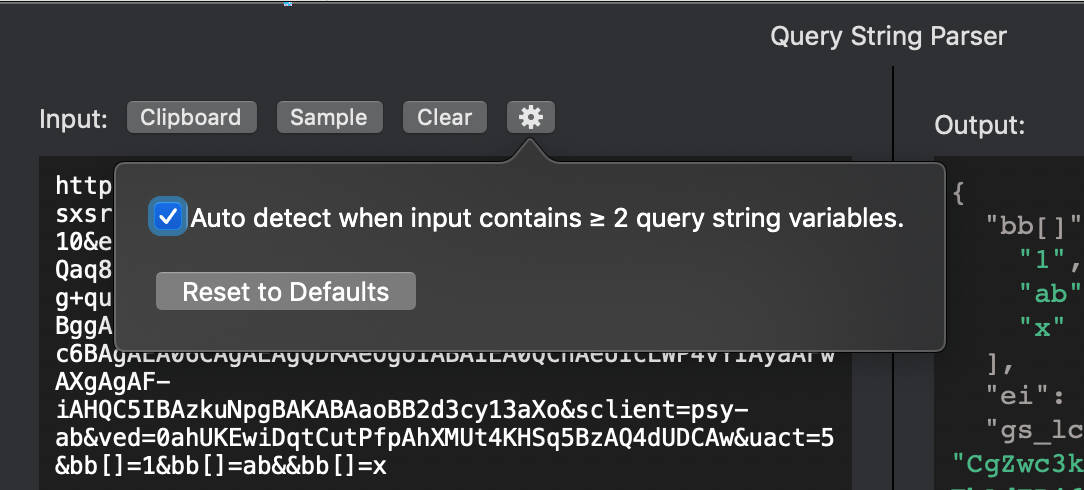
When you activate the app, DevUtils will inspect your clipboard content and automatically select the Query String Parser tool if the content is a query string. You can disable this automatic feature by unticking the option in the setting panel (the gear icon).